 Skip to content

Moho SHOWTIME brings an array of characters to live performance
Character impersonation usually reaches its audience through a completed scene. Moho 14.5 SHOWTIME gives animators another way to put that character in front of people: live performance. Webcam face tracking and gamepad input can handle rigging in real-time, opening up uses like VTubing, interactive presentations, and character appearances while streaming.
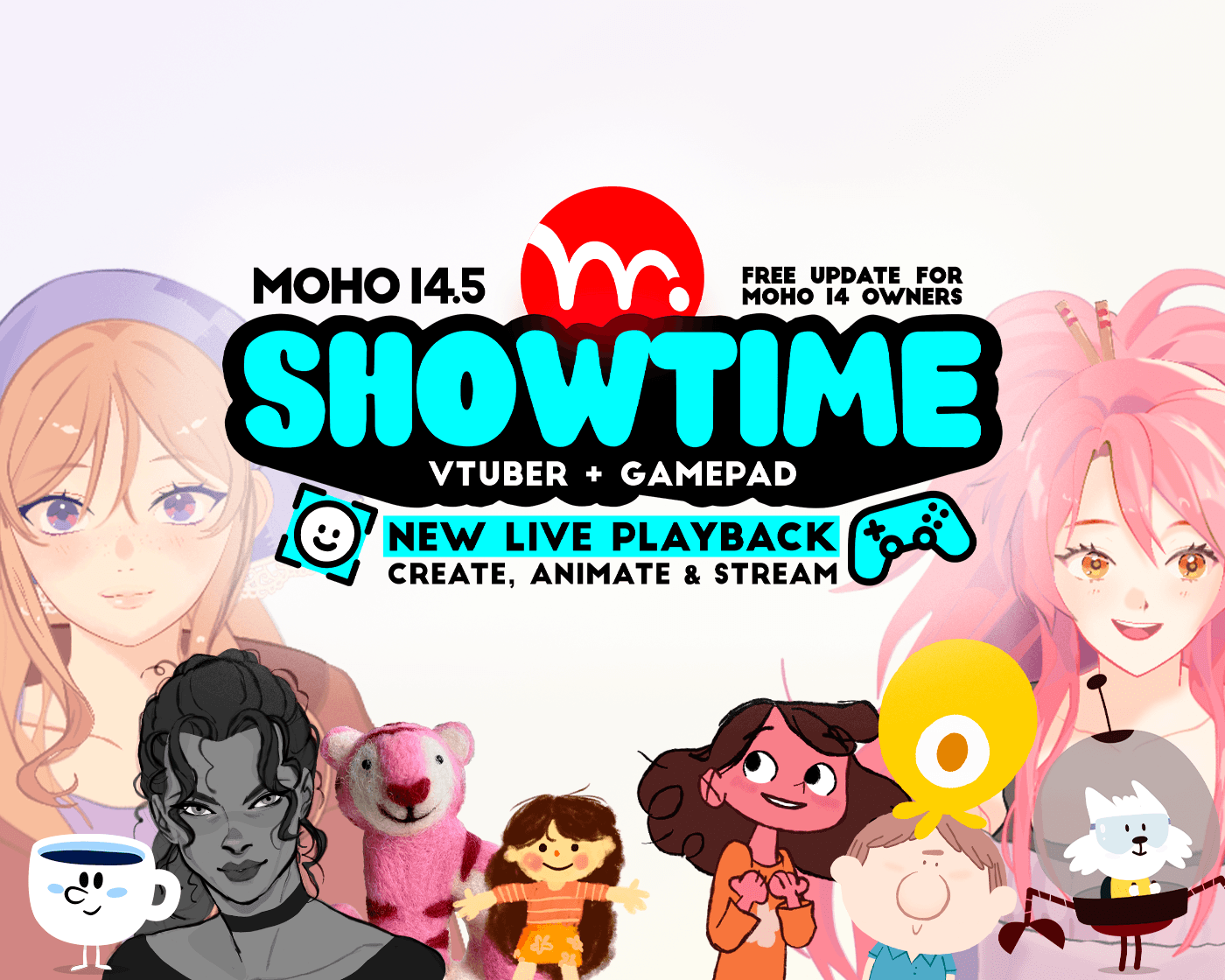
Among many new features, Moho 14.5 includes major improvements to the drawing tools and an all-new live playback mode to control streaming and animated characters in real-time. Credit: Moho Animation Software
Released by Lost Marble on October 13, 2026, SHOWTIME is a free upgrade for Moho 14 owners. Its live tools sit alongside improvements to drawing, animation and exporting, so the update also has something to offer artists whose work remains focused on movies and series.
Adaptation of a familiar device
The starting point of a live performance is the artist’s already built character. Moho’s Live Mode uses the same rigging system as its normal animation workflow, allowing existing characters to be adapted for live use. The artist still needs to configure the controls, but can work with familiar designs and rings.
Camera and gamepad inputs can be assigned to Smart Bones and Actions. This ties the performer’s movements to the behavior designed by the animator, rather than leaving the character’s performance entirely up to tracking. Facial movements can control expressions, and a button on a controller can trigger a prepared action.

New input options allow users to control characters using the gamepad’s thumbsticks and buttons or with their own facial actions. Credit: Maca Gil (www.macagil.com)
This connection is central to the renewal approach. As Lost Marble co-founder Victor Paredes says, “If you know how to make a Smart Bone, then you know how to make a live scene or a VTuber model.”
A live character can also use moho physics, particles, blend modes, and layer effects. This allows artists to transfer the visual character of the project to a live environment, including textures and secondary movements, which help to create a device that is specific to its creator.
Drawing, rigging and performance configuration can be done in Moho. The output can be used with a Moho virtual webcam or streaming software such as OBS. For an animator exploring VTubing, this provides a route from character design to live presentation within the animation workflow.

Live models can use all the features available on the canvas: particles, physics, blending modes, vector interpolation, annealing brushes, layer effects and much more. Credit: Jaki (www.designbyjaki.com)
Drawing and animation between performances
Live Mode is the most obvious addition, but a big part of SHOWTIME is about the day-to-day work of creating animation. The drawing tools have been refined, including changes to pen tracking, curve smoothing, and point reduction. This indicates how the drawn line is rendered as an editable vector artwork.
Rebuilt Paint Bucket separates fills in vector, track and repaint modes. Vector works from existing points, Trace creates vector shapes from visible artwork, and Recolor changes the color of an existing shape. Assigning different modes to these tasks makes it easier to select the required drawing operation.
Magnetic Onion Skin and Shift & Trace provide more control when comparing poses. Magnetic Onion Skins follow adjacent keyframes, while Shift & Trace allows artists to place onion skin references independently of the workspace. These additions support close inspection of drawings and motion that continues throughout the frame.
Other changes include new fluid shape options, custom brush categories, and improved video tracking. Taken together, the drawing and animation updates give existing customers a reason to explore SHOWTIME, even if they have no immediate plans to perform or stream the character.
Putting work into production
Manufacturing changes apply prior to delivery. SHOWTIME adds EXR support and color profile options for exporting image sequences, along with improvements to the Batch Exporter. For artists who animate or produce multiple outputs, these are practical parts of the update to explore along with creative tools.
Moho continues to use a perpetual license model and does not include generative AI. His approach keeps character design and construction together with the artist, with live input, providing another way to execute the rig.
For those interested specifically in live models, the edition difference is significant: Moho Pro 14.5 supports creating and streaming them, while Moho Debut 14.5 can open and import models created in Pro. Existing owners of Moho 14 can download SHOWTIME at no additional cost.
The update offers a useful starting point for experimentation: take a familiar character, decide which expressions or movements will work in a live performance, and adapt those choices. The result can give an existing design a new setting and retain the control and visual decisions of its animator.
Download the free update for Moho 14
try moho


